Quick answer: a daily progress report (DPR) for a construction site is a one-page record, filled in at the end of each working day, of five things: work done against the BOQ, labour present, materials received and used, money spent, and issues that blocked work. Use one fixed format on every site, send it to the office the same evening, and roll it up weekly against the budget. If the numbers reach the office the same day, you have real-time tracking, whatever tool you use.
Most cost overruns on small and mid-size sites are not discovered, they are noticed late. A slab is poured, bills arrive two weeks later, and only then does anyone compare actual against estimate. A daily routine shortens that gap.
What "Real-Time" Tracking Actually Means on an Indian Site
Real-time does not mean a live dashboard. It means the gap between something happening on site and the office knowing about it is less than a day.
- Not real-time: the site engineer notes quantities in a diary, sends photos on WhatsApp, and the accountant enters them at month-end.
- Real-time enough: the site engineer fills one fixed format by evening, and the project manager sees it the same night.
Excel can do this for one project with one person entering data. It starts to strain when several people edit, several sites run in parallel, or cost needs to link back to the BOQ. We cover that trade-off, including when Excel is the right call, in Construction Expense Tracking in Excel vs Software.
The Five Things to Track Every Day
1. Work Progress Against the BOQ
Record the quantity of each item completed that day, in the same unit and item description your BOQ uses, for example "RCC M20 slab, cum" or "brickwork 230 mm, cum".
- Use the BOQ item, not a free-text description, so progress can be compared with the estimate.
- Record cumulative quantity as well as the day's quantity.
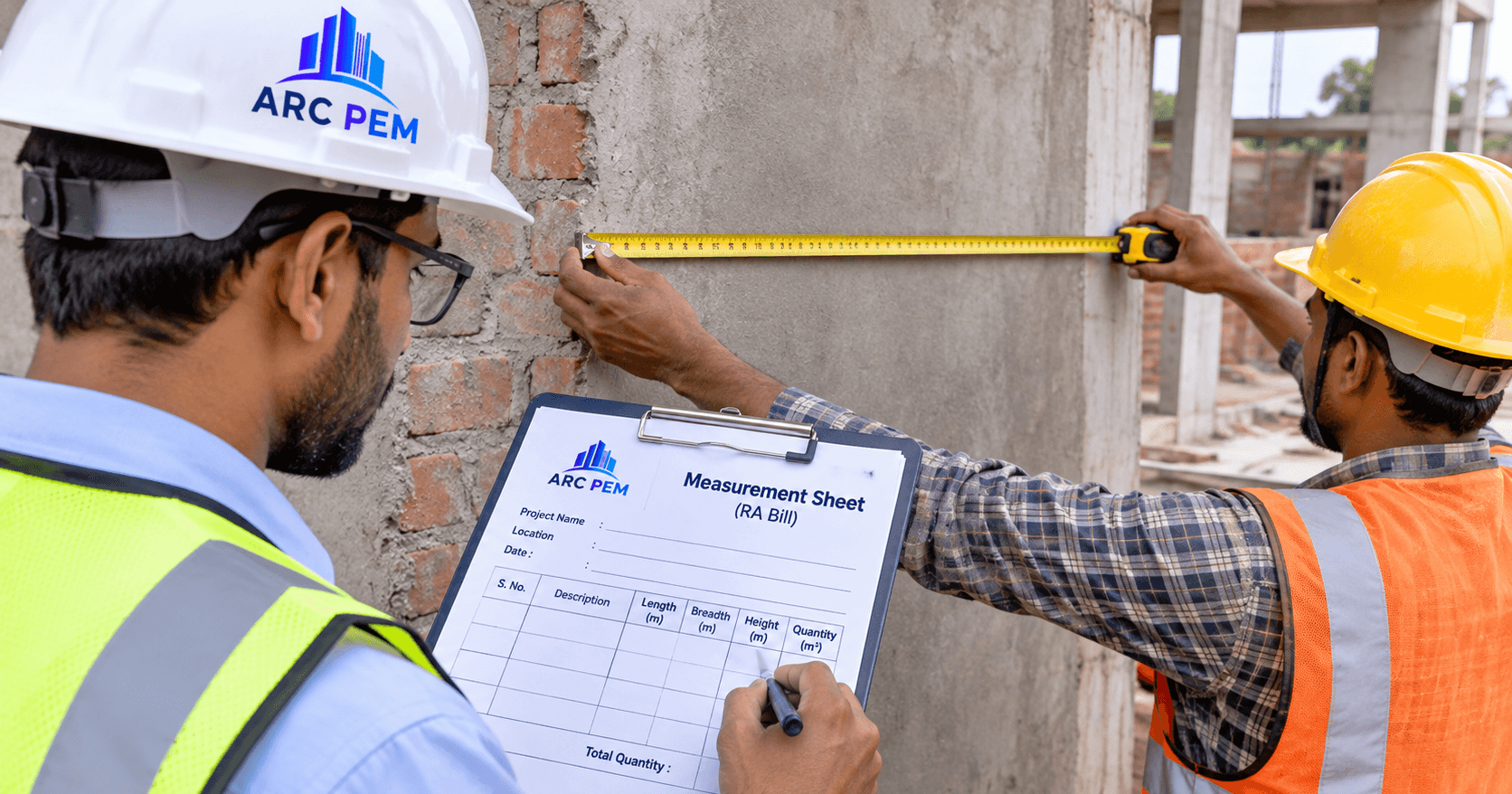
- Take measurements from the actual site, following the method in the measurement sheet format for RA bills.
2. Labour
Record headcount by trade (mason, helper, bar bender, carpenter), the contractor or gang they belong to, and the hours or days worked. This feeds construction labour cost calculation and avoids disputes on the labour contractor's bill.
3. Materials Received and Used
Record material received (with challan or invoice number), material issued to work, and closing stock for key items like cement, steel, sand and aggregate. This is the daily input to construction material reconciliation, and it is the fastest way to spot steel wastage while there is still time to act.
4. Expenses
Record cash spent and payables raised that day: petty cash, transport, hired equipment, small purchases. See construction site petty cash management for a clean way to keep this.
5. Issues and Delays
Record anything that stopped or slowed work: material not delivered, rain, drawing clarifications pending, client decisions, labour shortage, equipment breakdown. Also note any extra work requested, because that is the start of a variation order. Undocumented extra work is a common source of unpaid claims.
Daily Progress Report (DPR) Format
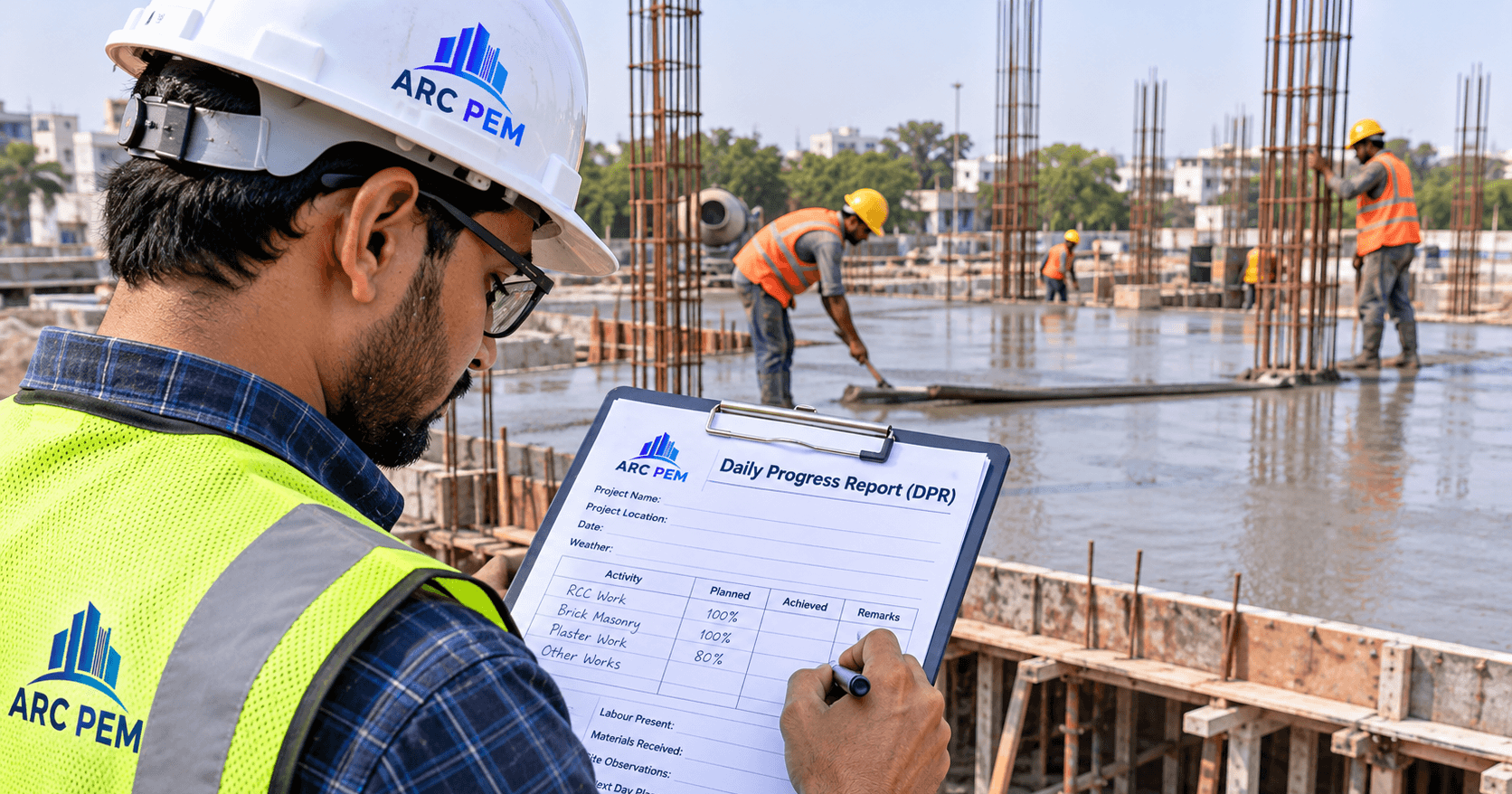
Copy this into Excel or a site notebook. Keep it to one page.
| Section | What to enter |
|---|---|
| Header | Project and site name, date, weather, prepared by |
| A. Work done today | BOQ item no., description, unit, today's quantity, cumulative quantity, % of BOQ quantity |
| B. Labour | Trade, gang or contractor, number present, hours |
| C. Materials | Item, opening stock, received (challan no.), issued, closing stock |
| D. Expenses | Head, amount, paid or payable, bill or voucher no. |
| E. Equipment | Machine, hours used, idle hours, reason |
| F. Issues, delays and extra work requested | Description, who is responsible, action needed |
| G. Tomorrow's plan | Planned items and quantities |
| Photos | Attached, with date and location |
DPR in Excel: The Formulas You Need
If today's quantity is in column D, the cumulative quantity in E and the total BOQ quantity in F, use these in row 2 and copy them down:
- Cumulative quantity:
=SUM($D$2:D2) - Progress %:
=E2/F2(format the cell as a percentage) - Quantity remaining:
=F2-E2
For materials, compare what was issued with what the quantity of work implies:
- Planned consumption:
=quantity of work × consumption per unit - Variance %:
=(issued − planned) / planned(format as a percentage)
Worked Example
Site: a G+1 residential building, first-floor slab. All figures below are illustrative, made up to show the method.
- BOQ item: RCC M20 slab, 24 cum in total.
- Day 1 pour: 15 cum. Cumulative: 15 cum, which is 15 ÷ 24 × 100 = 62.5%. Remaining: 9 cum, so one more pour.
- Labour present: 4 masons, 10 helpers, 2 carpenters, 1 bar bender.
- Cement: an M20 nominal mix of 1:1.5:3 needs about 8 bags per cum (1.54 ÷ 5.5 = 0.28 m³ of cement, and one 50 kg bag is about 0.0347 m³). Planned for 15 cum: 15 × 8 = 120 bags. Issued: 128 bags.
- Issue noted: the concrete pump arrived 2 hours late, and 6 labourers were idle.
What the report tells you the same evening:
- The slab is at 62.5%, so the plan needs one more pour of about 9 cum.
- Cement is 8 bags above plan, which is 8 ÷ 120 = 6.7%. That is worth checking tonight, not at month-end. See how many cement bags a house needs for the method.
- The idle time, 6 workers × 2 hours = 12 labour-hours, has a cost, and the delay has a cause you can raise with the pump supplier.
Daily, Weekly and Monthly Reports
| Report | Purpose | Who reads it |
|---|---|---|
| Daily progress report | Record what happened today, and catch problems early | Project manager |
| Weekly roll-up | Compare progress, cost and materials with the plan | Project manager and owner |
| Monthly review | Billing, cost-to-complete and profit forecast. See cost value reconciliation | Owner and accounts |
From Daily Numbers to a Weekly Roll-Up
Once a week, sum the daily entries and compare with the budget.
| Check | Question to ask |
|---|---|
| Progress | Is cumulative quantity on or behind the plan? |
| Cost | Is actual spend per BOQ item within the estimated rate? |
| Materials | Does consumption match what the quantity of work implies? |
| Billing | Is completed work measured and ready for the next RA bill? See how to raise a GST-compliant RA bill |
| Cash | Are upcoming payments aligned with the payment schedule? |
For profitability by project, see construction job costing.
Common Tracking Mistakes
- Tracking without a BOQ link. Spend with no reference to the planned item cannot show an overrun.
- Filling reports the next morning. Details are forgotten and numbers get rounded.
- Different formats on different sites. Roll-ups become manual rework.
- Photos with no date or location. They cannot support a claim later.
- Not recording extra work. It is hard to bill what you never logged.
- Recording only the day's quantity. Without the cumulative quantity, progress can't be checked against the BOQ.
When a Spreadsheet Stops Being Enough
A spreadsheet works while one person enters data for one or two projects. Consider moving when:
- Several engineers need to update the same project.
- You run three or more sites and the weekly roll-up takes hours.
- Cost needs to flow from daily entries to BOQ comparison and GST bills without re-typing.
- Version confusion, such as "which file is the latest?", starts costing time.
This is a judgment call, not a rule. Many firms run well on a disciplined Excel format.
Where ARC PEM Fits In
ARC PEM tracks material purchases and vendor bills against your BOQ, project by project, so estimated versus actual cost stays current. It keeps vendor, labour and GST records together, supports Tally export, lets several people work on one project, and works on any phone or computer. You can compare it with a spreadsheet on the ARC PEM vs Excel page, try the free Construction Cost Calculator, or view pricing.
Example figures in this article are illustrative. Adapt the DPR format to your contract, site size and reporting needs.