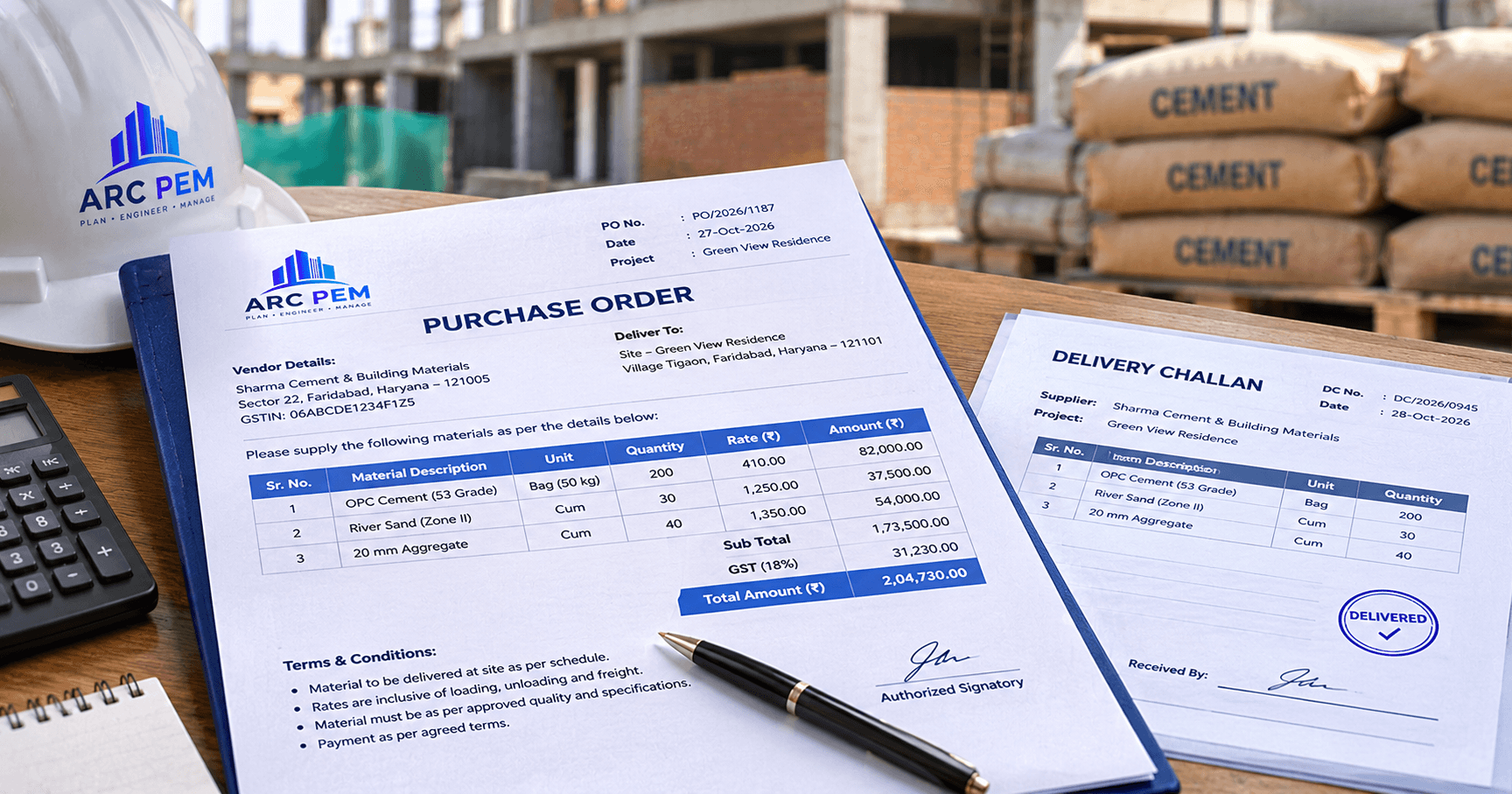
A purchase order format for construction is the layout of the document in which a buyer tells a supplier exactly what to deliver, in what quantity, at what rate and on what terms. On a construction project, the purchase order (PO) is the record that the supplier's later bill is checked against, so a good format prevents most disputes over rates, quantities and GST.
Quick answer: a construction purchase order should carry the PO number and date, the project and delivery site, the supplier's name and GSTIN, your billing details, a description of each item with specification, quantity, unit, rate and amount, the GST rate and amount, delivery and payment terms, and an authorised signature. When the goods arrive, check the PO, the goods receipt and the supplier's invoice against each other before you pay. This is called a three-way match.
This guide covers the fields to include, a sample PO with numbers, the approval workflow and the three-way match. It is general information, not tax or legal advice.
PO vs Work Order vs Invoice
These documents are often confused. Each has a different job.
| Document | Issued by | What it does |
|---|---|---|
| Purchase order (PO) | Buyer | Orders materials or goods, and fixes the rate, quantity and terms |
| Work order | Owner or main contractor | Awards work or labour to a contractor. See types of construction contracts |
| Goods receipt note (GRN) | Buyer's store or site | Records what actually arrived and was accepted |
| Invoice | Supplier | Requests payment for what was supplied |
Use a PO for materials such as cement, steel and tiles. Use a work order for labour and contractor packages.
What to Include in a Construction Purchase Order
| Field | Why it matters |
|---|---|
| PO number and date | A unique reference that every later document can quote |
| Project and site | So the cost lands on the right project |
| BOQ item reference | Links the purchase to the budget line it belongs to |
| Supplier name, address and GSTIN | Needed for the invoice and for matching in GST returns |
| Bill-to details (your firm, GSTIN, address) | The supplier's invoice must carry the right buyer details |
| Ship-to or delivery address (the site) | Where the material is to be delivered, which can differ from the billing address |
| Item description and specification | Grade, brand, size and standard, for example "TMT bars Fe500D, 12 mm" |
| HSN code | Helps the supplier and you apply the correct GST rate |
| Quantity and unit | The basis for the GRN check |
| Rate and amount | The basis for the invoice check |
| GST rate and amount | CGST and SGST, or IGST, depending on the place of supply |
| Delivery date and terms | When and how the material arrives, and who pays for transport and unloading |
| Payment terms | Credit days, advance, or payment on delivery |
| Quality and testing | Test certificates, inspection and the right to reject |
| Authorised signature | Evidence that someone with authority placed the order |
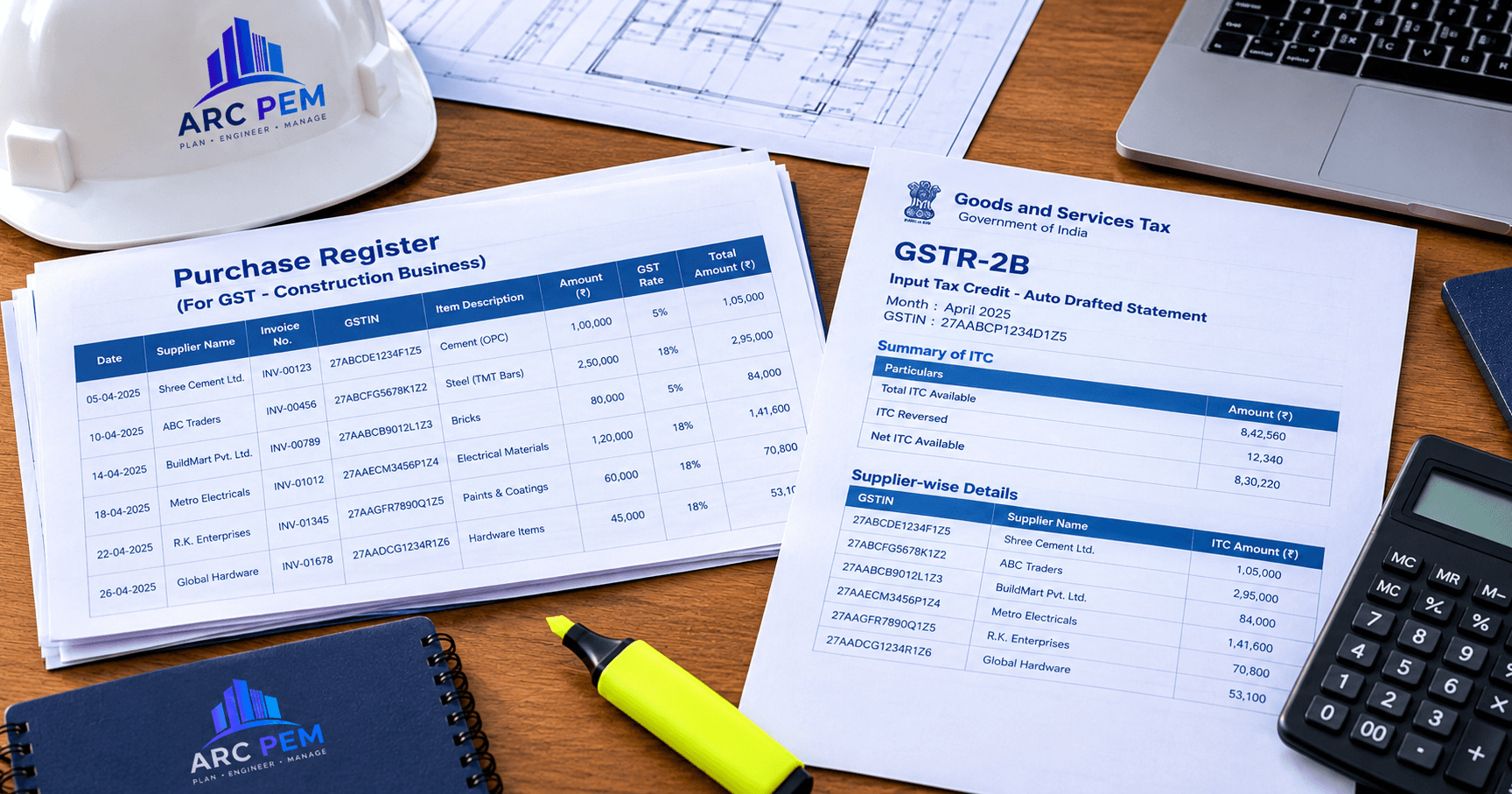
Putting your exact GSTIN and the supplier's correct invoice details on the PO also helps later when you match purchase bills with your GST statement. See our guide to GSTR-2B reconciliation for contractors.
Sample Purchase Order
All figures are hypothetical and for teaching only. They are not market rates.
PO No. 014 | Date: 05 Oct | Project: Site A | BOQ ref: Structure, Item 3 Supplier: ABC Traders (GSTIN on file) | Deliver to: Site A | Delivery by: 10 Oct | Payment: 30 days from receipt
| Sr. | Item and specification | HSN | Qty | Unit | Rate (₹) | Amount (₹) |
|---|---|---|---|---|---|---|
| 1 | Cement, OPC 53 grade | 2523 | 100 | Bag | 400 | 40,000 |
| 2 | TMT bars, Fe500D, 12 mm | 7214 | 2,000 | kg | 60 | 1,20,000 |
| Subtotal | 1,60,000 | |||||
| CGST at 9% | 14,400 | |||||
| SGST at 9% | 14,400 | |||||
| Total | 1,88,800 |
The 18% GST in this example is assumed for illustration. Confirm the HSN code and the current rate for each item with your supplier and CA, because rates differ between items and change over time.
Purchase Order Format in Excel
A simple Excel purchase order needs one row per item and a few formulas. Use these columns:
| Column | Field |
|---|---|
| A | Sr. No. |
| B | Item and specification |
| C | HSN |
| D | Quantity |
| E | Unit |
| F | Rate (₹) |
| G | Amount (₹) |
| H | GST % |
| I | GST amount (₹) |
| J | Line total (₹) |
In row 2, enter these formulas and copy them down:
- Amount:
=D2*F2 - GST amount:
=G2*H2(format H2 as a percentage, for example 18%) - Line total:
=G2+I2 - PO total:
=SUM(J2:J20)
For a supply within the same state, show the GST amount as half CGST and half SGST, for example =I2/2 in each of two columns. For the sample PO above, row 1 gives ₹40,000 + ₹7,200 = ₹47,200, row 2 gives ₹1,20,000 + ₹21,600 = ₹1,41,600, and the total is ₹1,88,800.
Keep one workbook per project, number POs in sequence, and never overwrite an issued PO. Save a revised copy instead. If you want a ready-made file, ARC PEM's resources page has free templates you can start from.
Terms and Clauses Worth Adding
- Delivery: the date, the site, who unloads, and what happens if delivery is late.
- Quality: the standard to be met, such as IS 1786 for TMT bars, and a requirement for test certificates.
- Inspection and rejection: the right to reject material that doesn't meet the specification, and to have it replaced.
- Weighing and counting: how quantity is confirmed on arrival, for example weighbridge slip for steel.
- Price validity and variation: whether the rate is fixed until delivery.
- Payment: the credit days, the documents needed to release payment, and any retention.
- Taxes: that GST is charged as shown, and that the supplier will report the invoice correctly.
- Amendments: that any change needs a revised PO signed by both parties.
The PO Approval Workflow
- Material requisition. The site engineer raises a request with the item, quantity and need date, tied to a BOQ item.
- Quotations. Collect quotes from suppliers, and compare rate, quality, delivery and credit terms, not rate alone.
- Approval. The right person approves according to your limits, for example one person for small orders and the owner for larger ones.
- PO issued. Send the signed PO to the supplier, and keep a copy.
- Goods received. The store or site records a GRN with the quantity actually received and accepted.
- Bill verification and payment. Match the invoice with the PO and GRN, then pay as per the terms.
The Three-Way Match: PO, GRN and Invoice
Before paying a supplier's bill, check three things against each other.
| Check | Compare | What a mismatch means |
|---|---|---|
| Quantity | PO quantity, GRN quantity, invoice quantity | Short delivery, over-billing or rejected material |
| Rate | PO rate against invoice rate | The supplier changed the price |
| GST and details | Supplier GSTIN, bill-to details, GST rate and amount | The invoice may not be usable for input tax credit |
Worked example
The PO is for 2,000 kg of TMT bars at ₹60 per kg. The supplier's invoice is for 2,000 kg. But the site's GRN shows only 1,960 kg received.
- Invoice: 2,000 × ₹60 = ₹1,20,000, plus 18% GST = ₹1,41,600
- Payable on the GRN quantity: 1,960 × ₹60 = ₹1,17,600, plus 18% GST = ₹1,38,768
- Difference: ₹2,832
The 40 kg shortfall should be settled through a credit note or a corrected invoice, and not by paying the full bill. Without the PO and GRN, nobody could prove the difference.
Common Mistakes With Construction Purchase Orders
- No PO at all. Verbal orders leave no record of the agreed rate or quantity.
- No BOQ or project reference. The cost can't be tied to the budget.
- Vague descriptions. "Steel bars" invites a different grade or size from the one you wanted.
- Wrong billing details. The invoice then carries the wrong GSTIN or firm name.
- Skipping the GRN. You can't prove what was actually delivered.
- Changing the order by phone. Amendments should be on a revised PO.
- Paying before the match. Once paid, shortfalls and rate differences are hard to recover.
Connect Your POs to Budgets and Stock Control
A PO is the first step of a longer chain: order, delivery, bill, payment, and consumption on site. Link each PO to a BOQ item, as described in our guide to preparing a BOQ, and then compare what was delivered with what was issued, using the method in construction material reconciliation. To convert steel quantities between kilograms and bars, use our steel bar weight chart.
ARC PEM tracks material purchases and vendor bills against your BOQ, project by project, so estimated versus actual material cost is always one report away. See how a project moves from BOQ to final bill, explore expense and finance tracking, or view pricing.