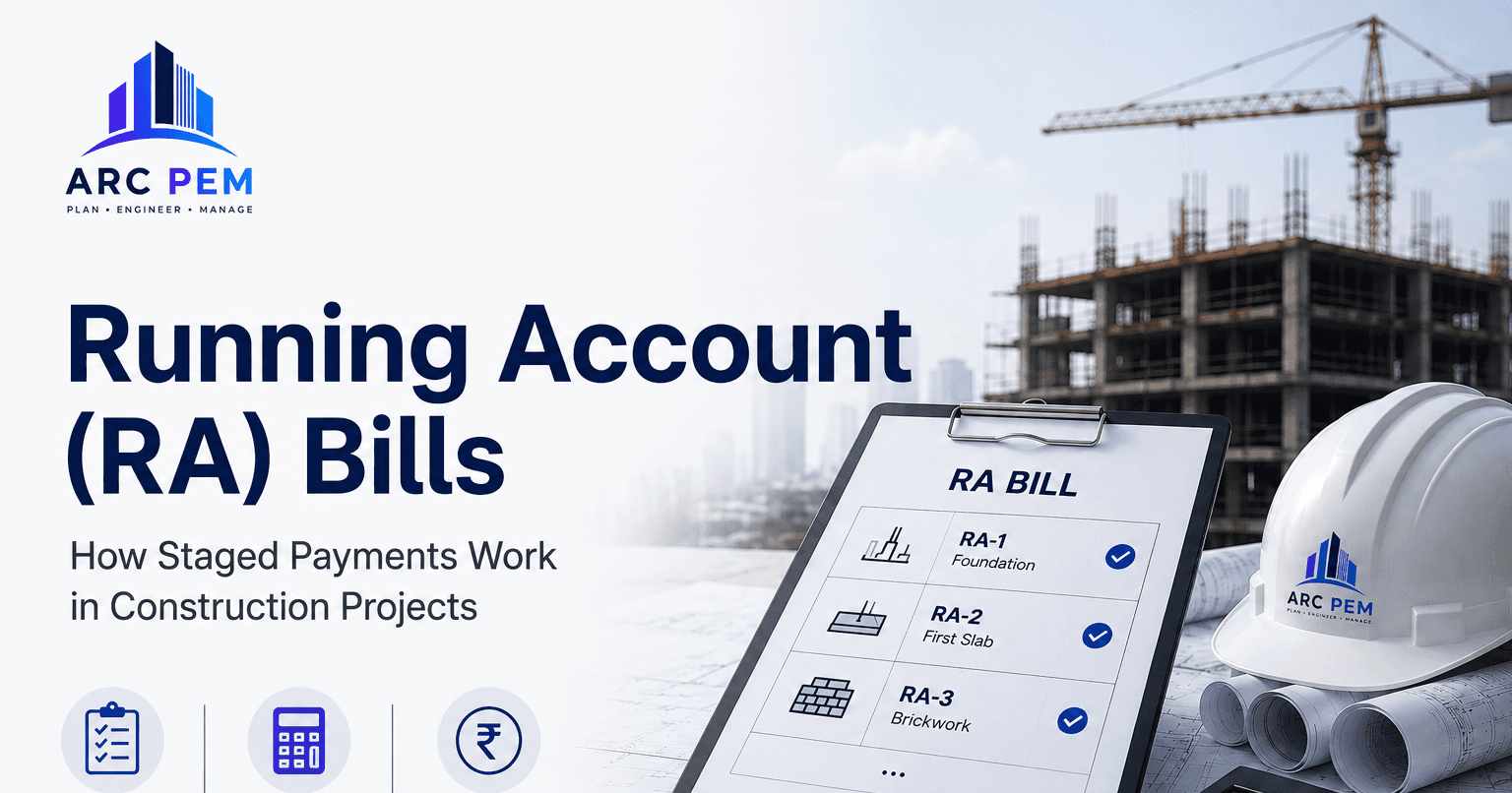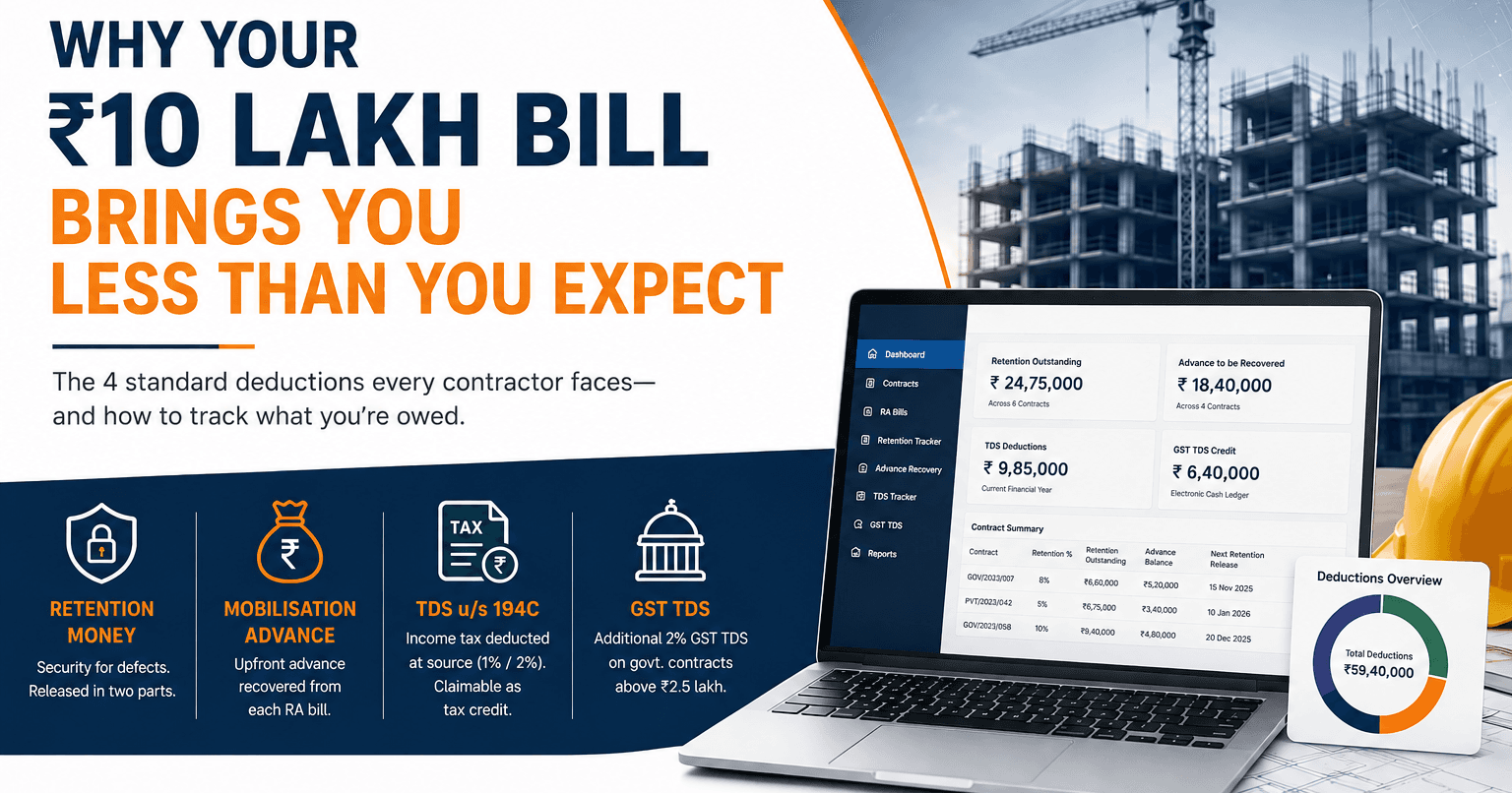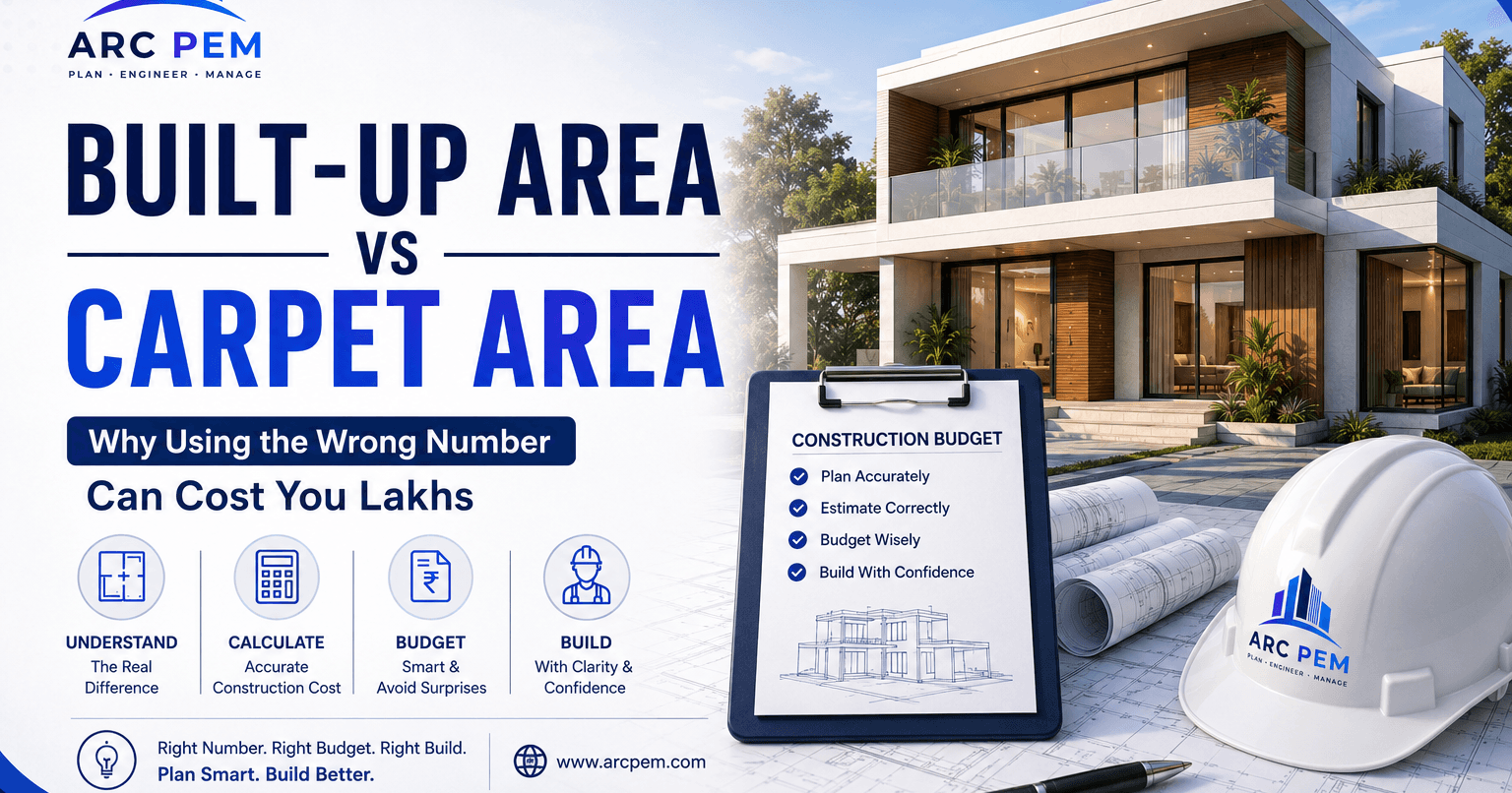
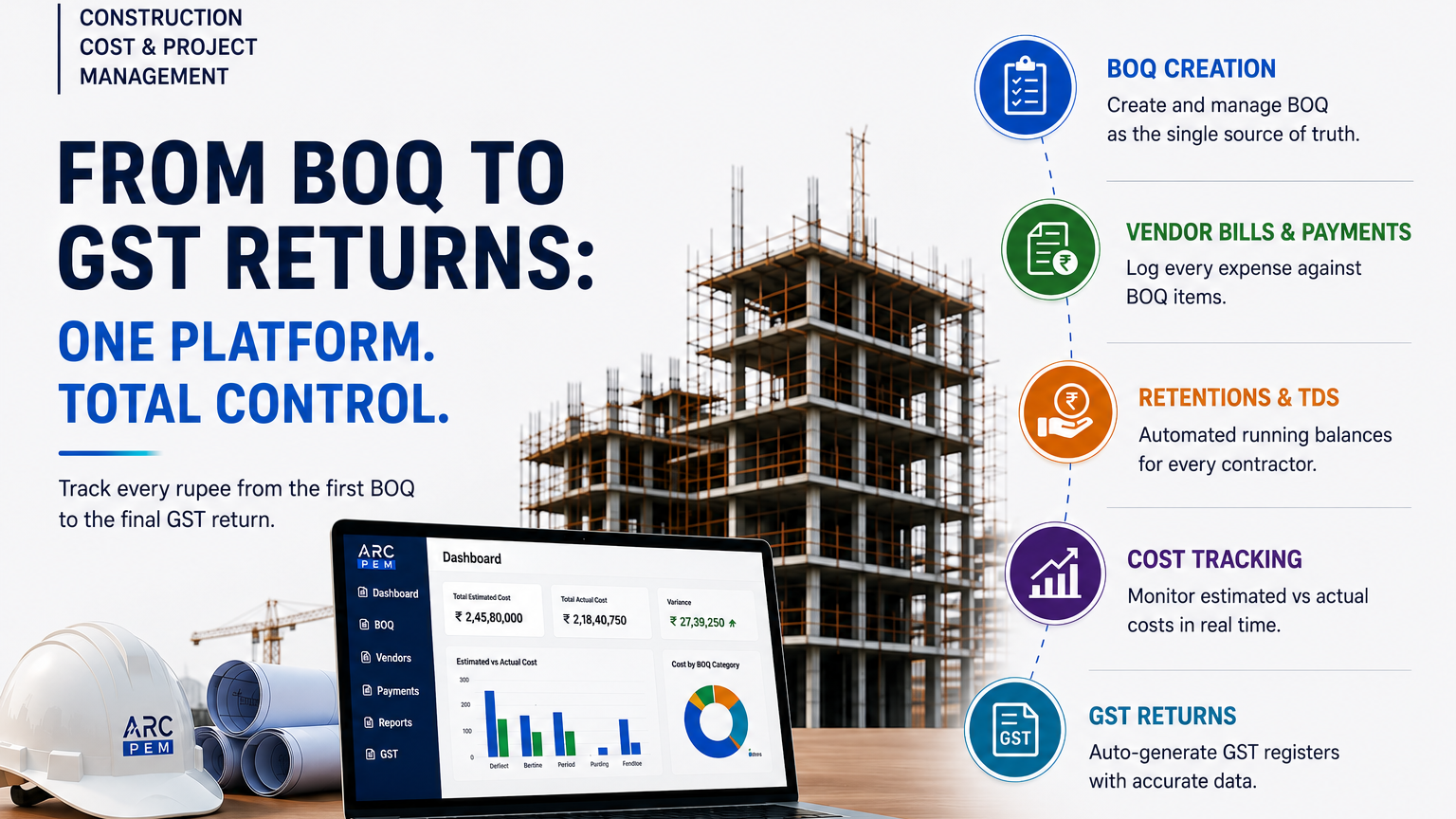
Every post on this blog so far has covered one piece of a construction project's finances in isolation — how an RA bill is built, what retention and TDS take out of it, why built-up area is the number a budget should actually be based on. Each of those is a real, self-contained problem. But on an actual project, they don't happen in isolation — they're the same money, moving through the same set of numbers, from the day the BOQ is finalised to the day the last GST return is filed.
This is what that whole path looks like, and where ARC PEM sits at each step.
It starts with the BOQ
A bill of quantities is the project's first real budget — every item of work, its quantity, its rate, its total. This is the number every RA bill, every material purchase, and every "are we over budget" conversation gets measured against for the rest of the project. If the BOQ lives in a spreadsheet that one person maintains, it's already fragile: one accidental overwrite, one version mismatch between the site engineer's copy and the office copy, and the project loses its one source of truth before the foundation is even poured.
ARC PEM starts here — the BOQ is entered once, per project, and everything downstream (vendor bills, RA bills, cost reports) references it directly instead of being reconciled against it manually later.
Every vendor bill and labour payment gets logged against it
As the project runs, cement gets bought, contractors submit RA bills (see our guide on raising a GST-compliant RA bill for the full mechanics of that specific document), labour gets paid weekly. Each of these is a real cash outflow that needs to be tied back to a specific BOQ line item — not just logged as "an expense," but logged as this much of the ₹4,20,000 budgeted for brickwork has now been spent.
This is the step that a spreadsheet handles worst. It's easy to log that you paid a vendor ₹85,000; it's much harder to keep that connected, project after project, bill after bill, to exactly which BOQ item it was for — which is the only way to answer "are we on budget" with a real number instead of a guess.
Retention, advances and TDS get tracked as running balances, not one-off deductions
The deductions guide on this blog covers why a ₹10 lakh bill doesn't turn into ₹10 lakh cash — retention, advance recovery, and TDS all take a bite before the money moves. The number that actually matters over a full project isn't any single bill's deduction; it's the cumulative retention held across every RA bill on a contract, which is exactly the number a contractor needs at project handover to know what's still owed back.
ARC PEM keeps this as a running balance per contractor ledger, updated automatically as each bill is entered — not something reconstructed by scrolling back through a year of PDFs when the project wraps up.
Cost tracking against the original estimate, not just against spend
This is where built-up area and per-sq-ft rates (covered in the built-up vs carpet area guide) actually earn their keep. An estimate made at the planning stage is only useful if the project keeps checking actual spend against it as work happens — not comparing final cost to the estimate for the first time after the building is finished, when nothing can be done about an overrun.
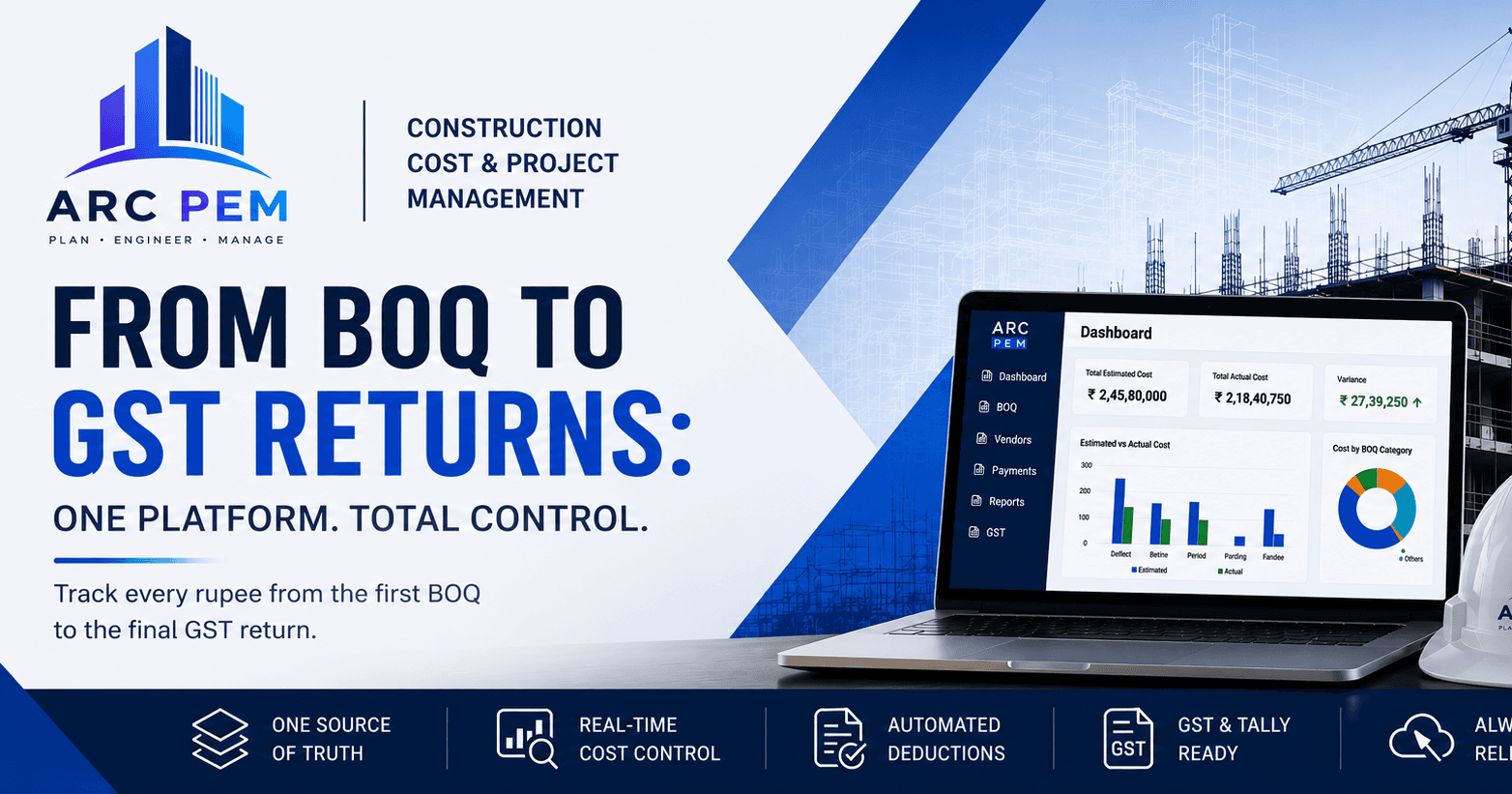
ARC PEM's project dashboard shows estimated-vs-actual per BOQ head throughout the build, so a budget problem in electrical work shows up while there's still time to correct it, not six months later in a post-mortem.
GST purchase registers and Tally exports at the end of the chain
Every vendor bill logged against the project carries its GST details from day one, which means the GST purchase register and Tally-ready export aren't a separate reconciliation exercise done under deadline pressure at return-filing time — they're a report generated from data that was already correctly captured when each bill was entered.
Why this is one platform and not several spreadsheets
The honest reason most construction firms run their finances across 4-5 separate spreadsheets — one for BOQ, one for vendor bills, one for labour, one for GST — is that each individual spreadsheet is manageable on its own. The problem only shows up at the point where they need to talk to each other: when a vendor bill needs to reduce the BOQ's remaining budget, when a retention balance needs to reflect every RA bill raised so far, when a GST register needs every purchase correctly categorised without re-entering it.
That's the actual job ARC PEM does — not replacing any single spreadsheet, but replacing the manual reconciliation between all of them, for every project a firm runs, offline, on a desktop, without needing an internet connection to keep working on-site.
If you're currently doing any piece of this in a spreadsheet and want to see what the connected version looks like for your own projects, book a free demo — or start with the free tools if you just want a quick GST bill or cost estimate today, no commitment either way.