A truck of cement stopped at a checkpost. A driver with no e-way bill. A detained vehicle, a penalty notice and a site standing idle. This is one of the most avoidable problems in construction logistics, and it happens because teams assume the supplier will handle everything.
Here is how e-way bills work for construction materials, who is responsible and what to do when materials move between your own sites.
Note: The ₹50,000 limit is the central rule, but some states set a different limit for movement inside the state. Check your state's current notification before relying on any number below.
What is an e-way bill?
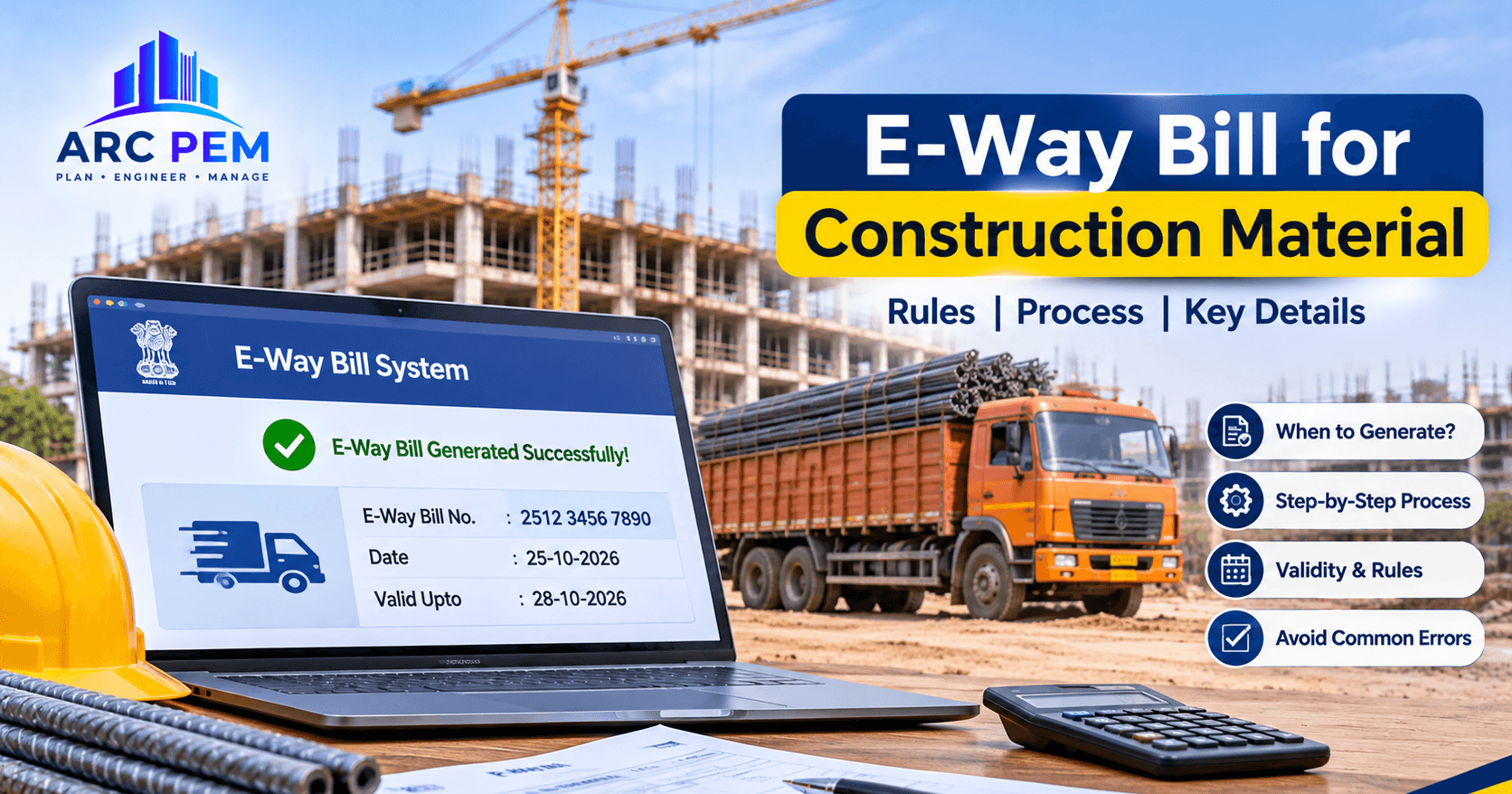
An e-way bill (EWB) is an electronic document generated on the e-way bill portal. It must travel with goods when a consignment moves by road, rail, air or ship above a set value. It carries a unique 12-digit number that officers can verify during checks.
It has two parts:
- Part A: supplier and recipient GSTIN, place of delivery, invoice details, HSN code, value and reason for transport.
- Part B: the vehicle number (or transporter document details).
Without Part B, the bill is not complete and the goods are not covered while moving.
When is an e-way bill required?
An e-way bill is required when the value of a consignment exceeds ₹50,000 (including GST). The rule applies to:
- a sale of goods,
- movement for reasons other than sale, such as returns, transfers or job work,
- an inward supply from an unregistered person.
Only goods need an e-way bill. A pure labour or services contract doesn't, but the materials you move to a site do.
Common construction materials covered
| Material | Typical HSN |
|---|---|
| Cement | 2523 |
| Sand | 2505 |
| TMT bars and steel | 7214 |
| Bricks and blocks | 6901 / 6810 |
| Tiles, pipes, fittings, paint | Respective HSN codes |
If a consignment value is above ₹50,000, it needs an e-way bill, whatever the material.
Who generates the e-way bill?
| Scenario | Who generates |
|---|---|
| Registered supplier sends goods | Supplier (or the transporter on supplier's behalf) |
| Supplier is unregistered, buyer is registered | Buyer (you) |
| Goods moved by transporter with consolidated documents | Transporter |
| Your own stock transfer between sites or states | You, as the consignor |
If you issue an e-invoice, the IRN generation can auto-populate Part A of the e-way bill, which saves effort.
The "my own site" trap: transferring material between sites
This is where contractors slip up. When you shift cement, steel or shuttering from one site or warehouse to another:
- Between states (same PAN, different GSTINs): this counts as a supply. You need a tax invoice and an e-way bill.
- Within the same state, same GSTIN: it isn't a sale, but if the consignment value exceeds the limit, movement still needs an e-way bill and a delivery challan.
A delivery challan is the supporting document when the movement isn't a sale. Keep the challan, the e-way bill and the vehicle documents together in the vehicle.
Validity of an e-way bill
| Type of cargo | Validity |
|---|---|
| Normal cargo | 1 day for every 200 km (or part of it) |
| Over-dimensional cargo (ODC) | 1 day for every 20 km (or part of it) |
If the vehicle is delayed, the validity can be extended, generally within a window of a few hours before or after expiry, with a valid reason such as breakdown or transhipment. If the truck is replaced mid-way, update Part B with the new vehicle number.
You can cancel an e-way bill within 24 hours of generating it if the goods were not moved or were moved differently than planned. After the goods are verified by an officer, it can't be cancelled.
How to generate an e-way bill: step by step
- Log in to the e-way bill portal with your GST credentials.
- Go to E-Waybill > Generate New.
- Choose the transaction type (outward, inward) and document type (invoice, challan).
- Enter supplier, recipient, place of delivery, HSN, quantity and value.
- Enter the transporter ID or vehicle number in Part B.
- Submit, then print or share the EWB with the driver. The QR code gets scanned on the road.
Penalties for moving goods without an e-way bill
If goods are caught moving without valid documents, the officer can detain the vehicle and goods under Section 129 of the CGST Act. In the common case where the owner comes forward to claim them, you may have to pay:
- the GST on the goods, plus an equal amount as penalty (so, effectively double the tax), and
- possibly further charges for detention and demurrage while the vehicle waits.
Repeated or deliberate violations can lead to higher penalties and even confiscation under Section 130. The cost of one mistake is almost always higher than the time to generate the e-way bill.
A checklist for site teams
- Check consignment value against the limit before the truck is loaded
- Confirm the supplier has issued the e-invoice and e-way bill
- Verify the e-way bill's delivery address, vehicle number and validity
- Raise a delivery challan for any site-to-site transfer
- Update Part B if the vehicle changes
- File the e-way bill copy against the purchase order and invoice
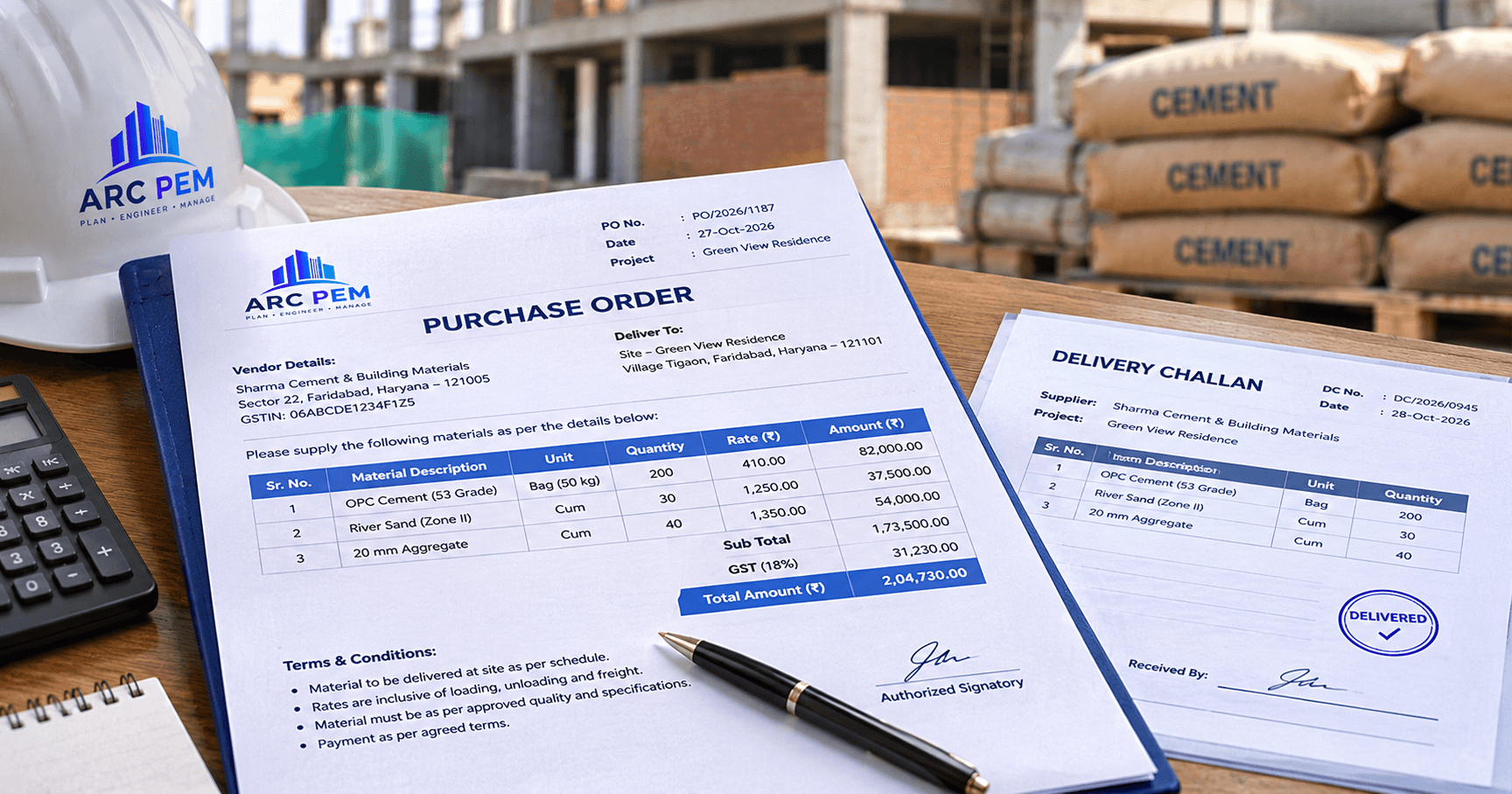
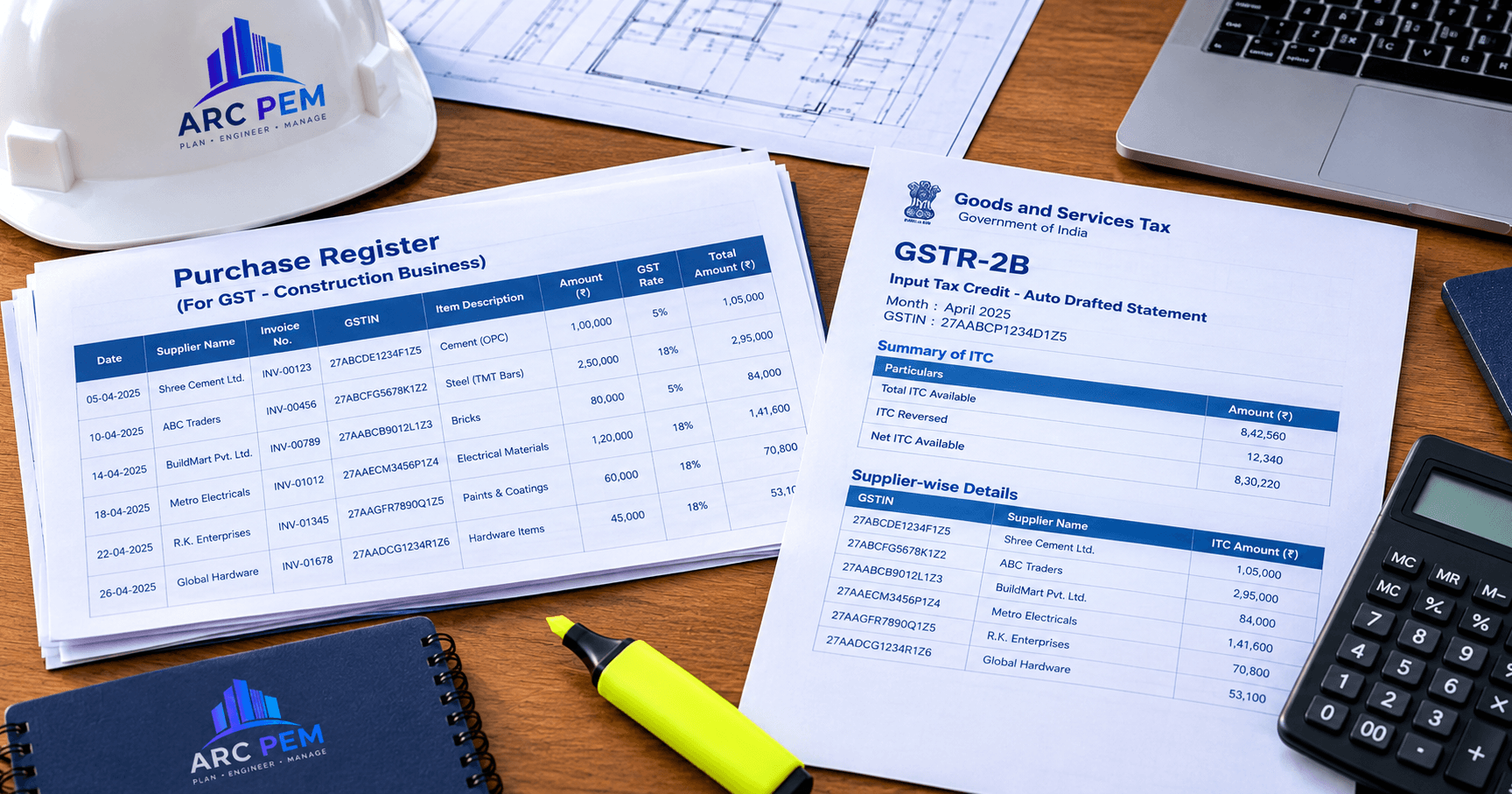
Matching the EWB, PO and invoice also makes your later ITC reconciliation much cleaner. See our guides on the Purchase Order format for construction and GSTR-2B reconciliation.
Estimate before you order
Ordering a big lot of concrete material? Use our free Concrete Calculator to estimate quantities and know how much material (and value) will move, so you can plan e-way bill cover per consignment.
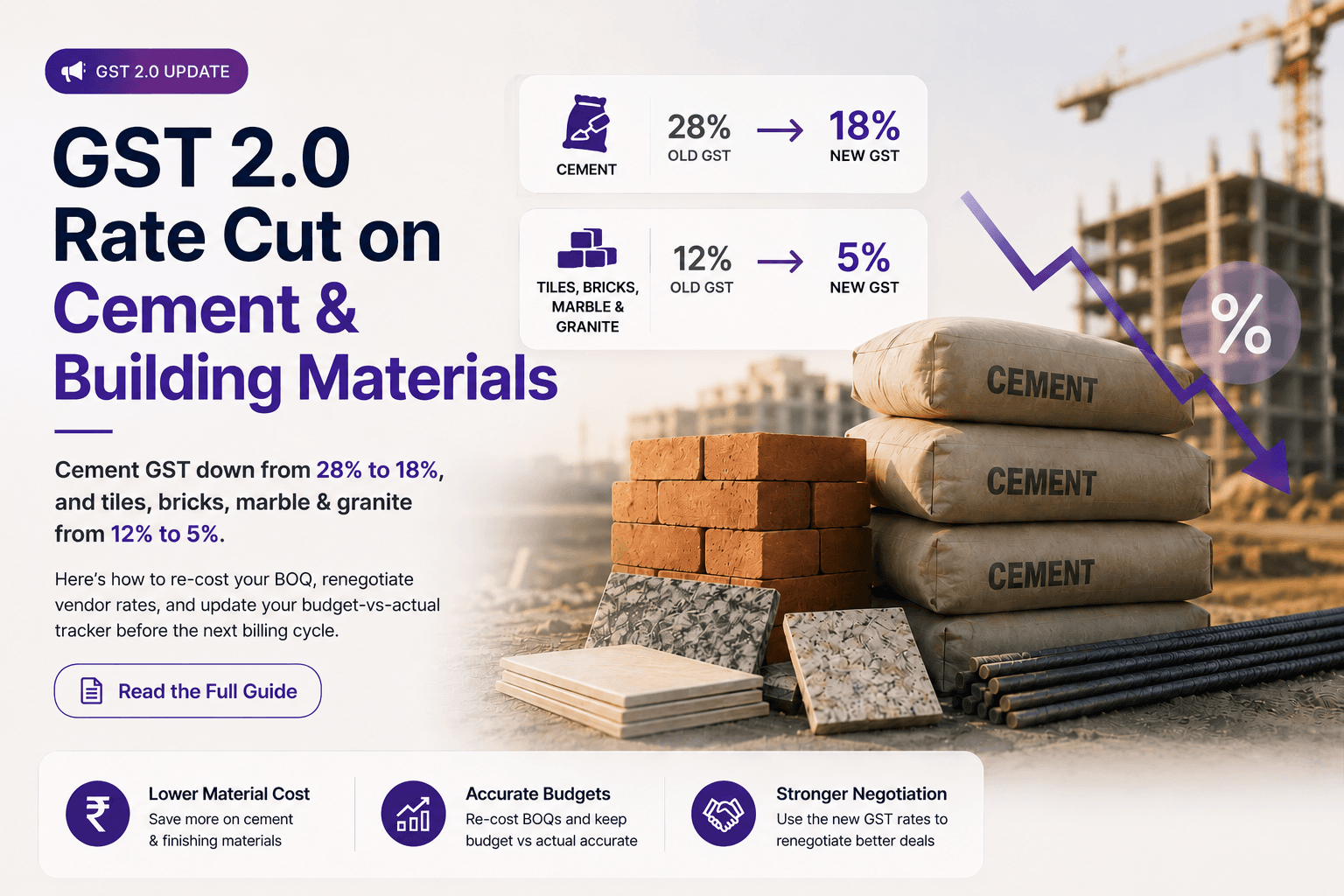
For rate changes affecting your material value, see GST 2.0 rate cut on cement and building materials.
Common mistakes
- Assuming the supplier always generates it. If you buy from an unregistered seller, it's your responsibility.
- Splitting invoices to stay under ₹50,000. Officers treat artificial splitting as evasion.
- Leaving Part B blank. The goods aren't covered until the vehicle is entered.
- Not carrying a delivery challan for site transfers.
- Letting the e-way bill expire in transit without extending it.
Key takeaways
- Consignments above ₹50,000 generally need an e-way bill. Check your state's own limit for movement inside the state.
- Part A holds the invoice details, Part B the vehicle.
- Site-to-site transfers need a challan, and cross-state ones also need a tax invoice.
- Validity is 1 day per 200 km (20 km for ODC), and it can be extended.
- Detention can cost tax plus an equal penalty, so build a pre-loading checklist.
This article is for general information and is not tax advice. Consult a qualified CA for your specific situation.